Isolate every instrument
from your tracks

StemCut splits any song into Vocals, Drums, Bass and Other in minutes.
Import a file or a YouTube URL — no subscription, no account.

Windows may show a SmartScreen warning — click More info then Run anyway.

Free · macOS 12+ · Apple Silicon & Intel · Signed & Notarized

StemCut — Import interface
4 Stems — Vocals · Drums · Bass · Other
< 5 min Average processing time
100% Offline — your music never leaves your machine

Simple as 1-2-3

How it works

01

Import

Drop an audio file (MP3, WAV, FLAC) or paste a YouTube URL. StemCut handles the rest automatically.

02

AI Processing

Demucs — Meta AI's stem separation model — splits every instrument in minutes, running entirely on your machine.

03

Mix & Export

Mute, solo, adjust volumes per stem. Loop any section to practice. Export a custom mix or a full DAW pack.

The mixer

Your personal
multi-track studio

  • 4-track mixer — independent volume, mute and solo per stem
  • Waveform visualization — see every stem at a glance
  • Loop mode — select any region to practice section by section
  • Playback speed — 0.75× / 1× / 1.25× without pitch change
  • BPM detection — auto BPM + built-in metronome synced to the track
  • Export DAW pack — all stems as separate files for Ableton, Logic, Reaper…
StemCut mixer

Who is it for?

Made for musicians,
not sound engineers

🎸

Guitarists & Bassists

Solo your instrument to learn the exact notes, or remove it to play along with the rest of the band.

🎤

Singers

Remove the vocals to create a perfect backing track, or isolate them to study phrasing and harmonies.

🥁

Drummers

Isolate the drum track to analyze the groove, or mute it and play along on your kit.

🎹

Producers & DJs

Extract any stem as a clean WAV file, ready to drop straight into your DAW or remix.

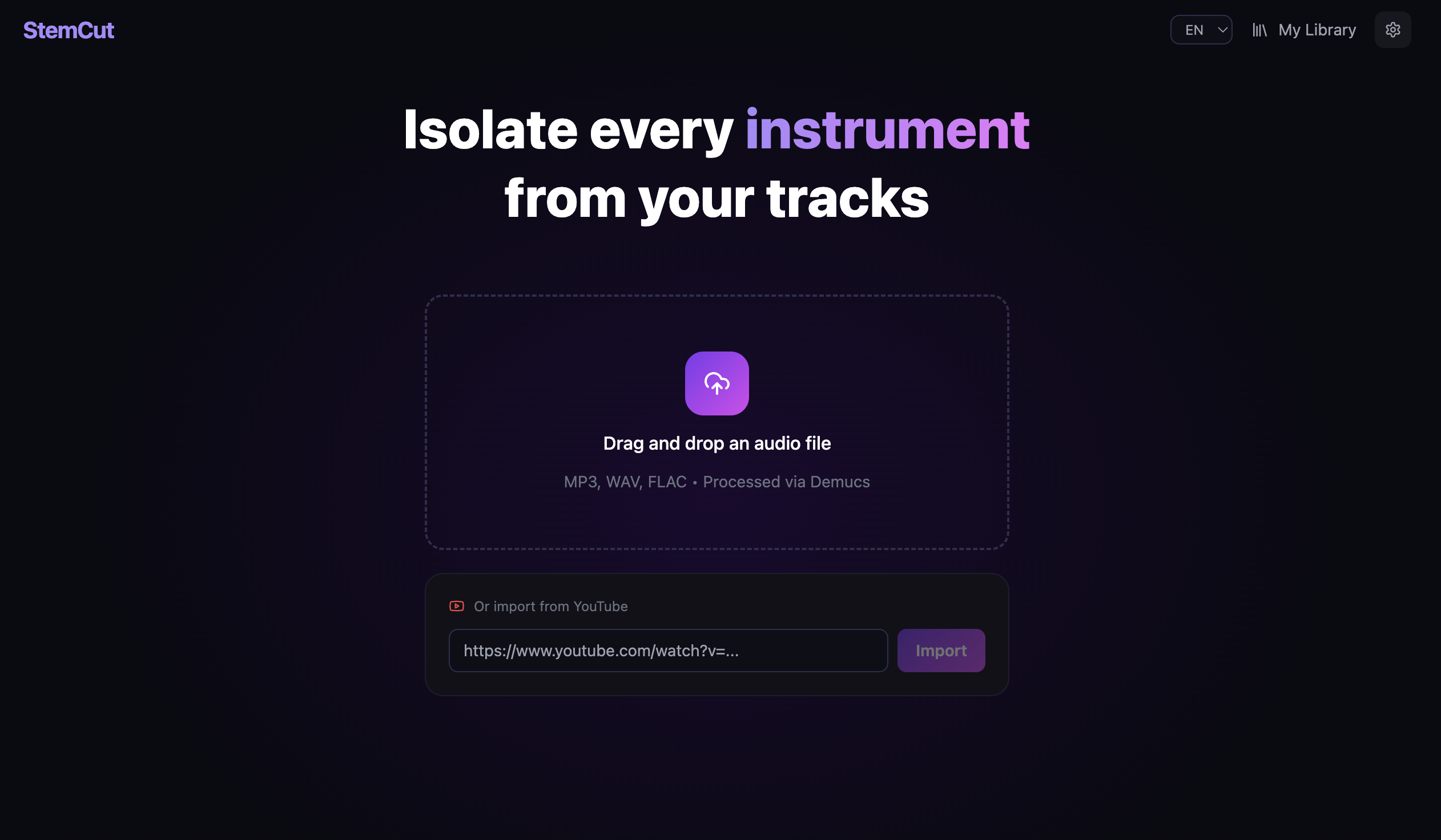
StemCut import

Import

Import
anything

  • Drag & drop audio files — MP3, WAV, FLAC
  • Paste any YouTube URL — StemCut downloads & converts automatically
  • Real-time progress bar with status messages
  • Auto-navigates to the mixer when done

Library

All your tracks,
always ready

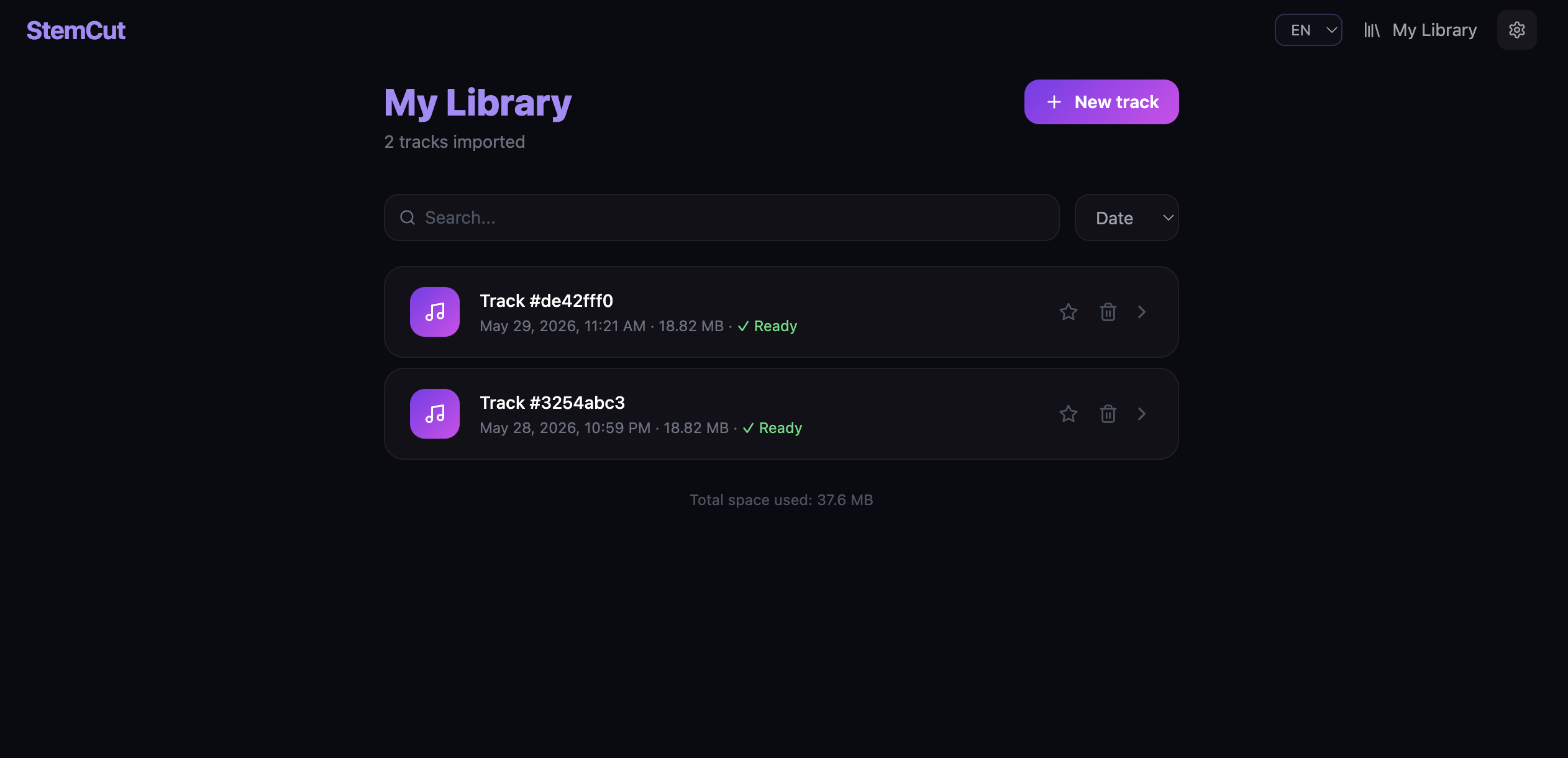
  • All your projects in one place with metadata
  • Search, sort by date / name / size
  • Favorite tracks — pinned to the top
  • Storage management — choose where files live, migrate easily
StemCut library

Under the hood

Powered by Meta AI

StemCut uses Demucs, Meta AI's open-source stem separation model — one of the most accurate available. It runs entirely on your machine. Your music never leaves your computer.

Offline Private Open-source model macOS & Windows
Vocals
Drums
Bass
Other

Gallery

See it in action

Ready to isolate
your first track?

Free download. No account. No subscription. Works offline.

macOS Apple Silicon & Intel · macOS 12+ Signed & Notarized · .dmg
Download .dmg
Windows Windows 10 / 11 · 64-bit .exe installer
Download .exe

Windows may show a SmartScreen warning — click More info then Run anyway.

Free forever · Open-source AI · No telemetry

StemCut is free.
Always will be.

If StemCut saves you time and makes your practice sessions more enjoyable, consider buying me a coffee. It means the world and helps fund future development.

Support on PayPal

Any amount is appreciated — thank you!

StemCut

Made with love for musicians

— Baptiste Debree